Quick Wins
Real Scenarios. Real Solutions.
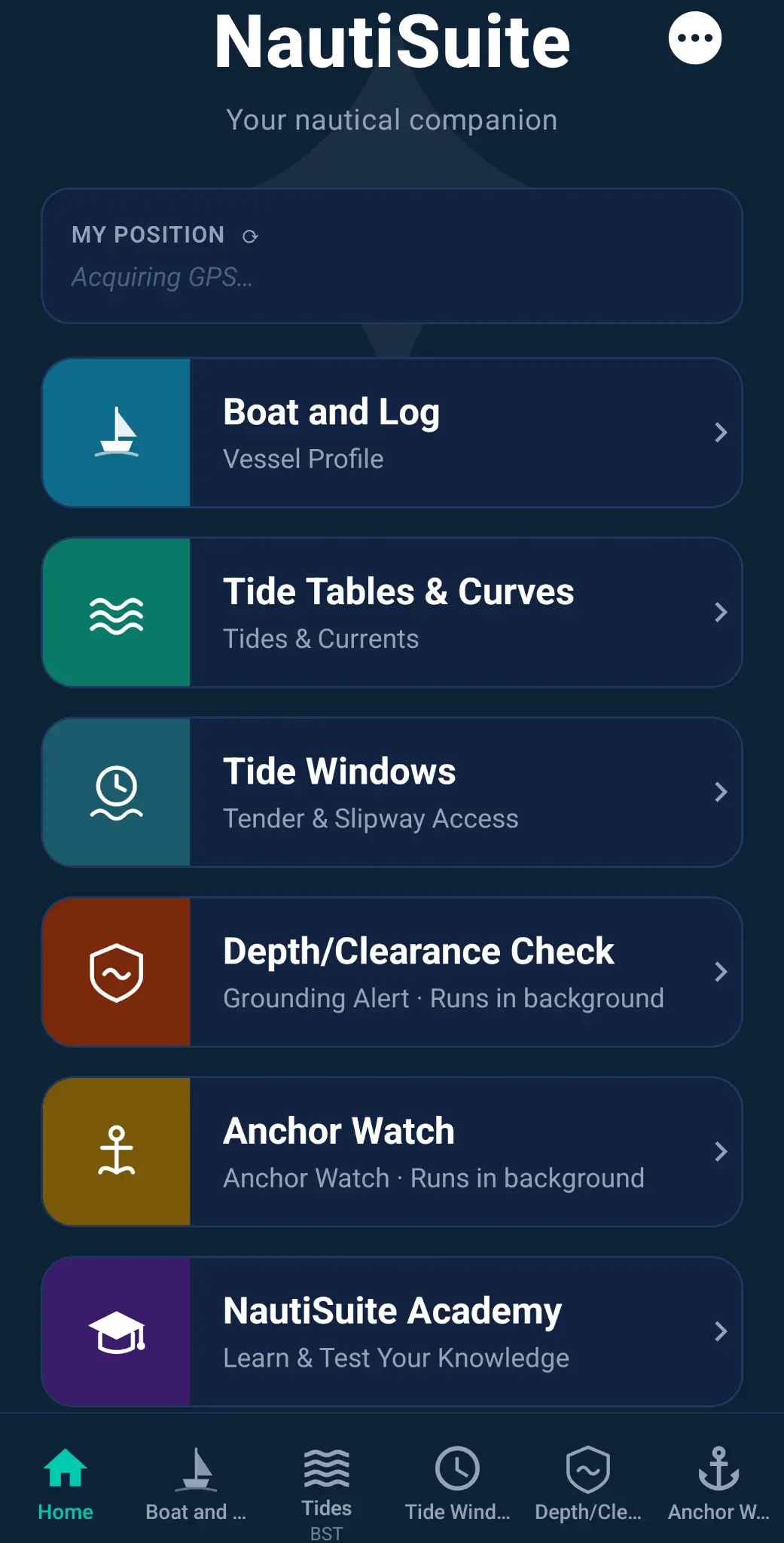
Here are just some of the ways NautiSuite works for you — on the water, at the mooring, and ashore.
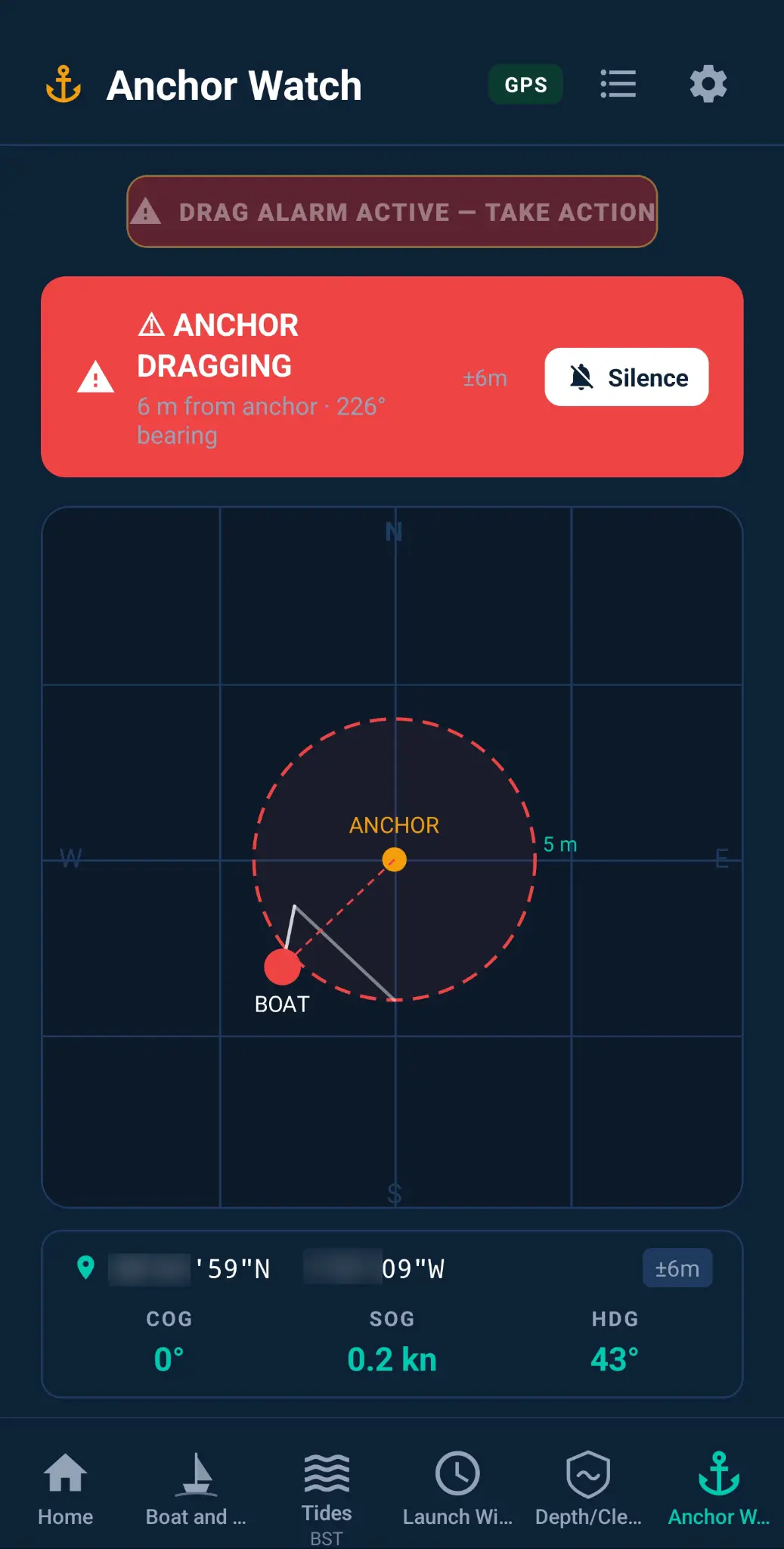
⚓ Anchor Watch
Peace of Mind at Anchor or on a Mooring
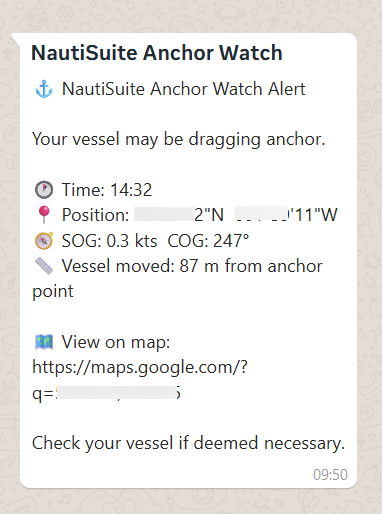
- Mooring or marina peace of mind. You leave your boat on a mooring buoy or in a marina berth and want to be instantly notified if it moves for any reason — dragging, a failed mooring line, or if (heaven forbid) it was taken.
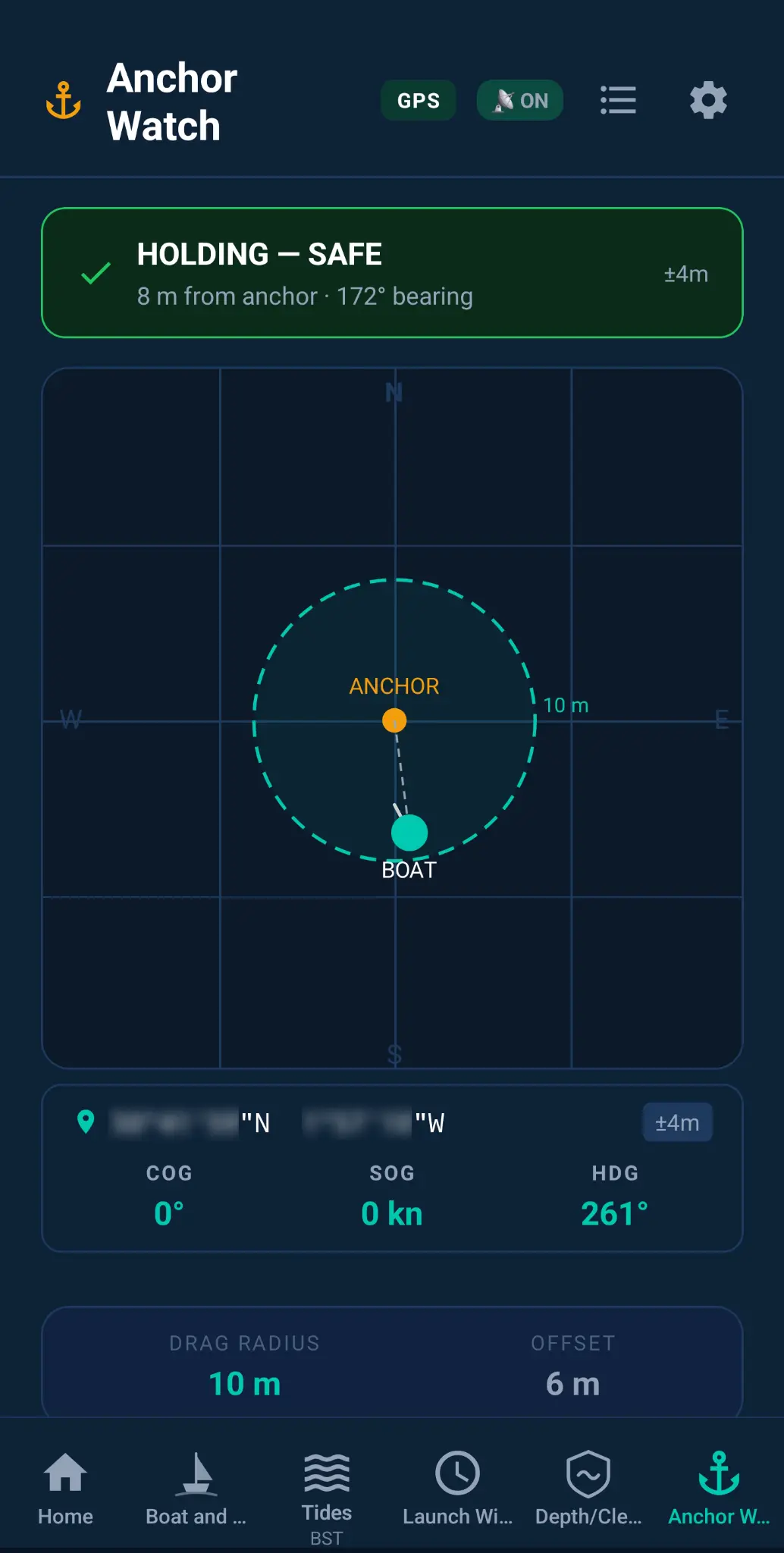
- Overnight anchorage. You anchor in a sheltered bay for the night. Anchor Watch monitors your position while you sleep and wakes you the moment the boat drags beyond your set radius.
- Anchoring in tidal streams. You anchor in a tidal area where the boat swings significantly. Set a custom watch radius that accounts for the swing, so you only get alerted if the boat actually drags. and get instant feedback about speed-over-ground (SOG) and course-over-ground (COG).
- Leaving the boat unattended ashore. You go ashore for a meal or a walk and want confidence that if the anchor drags or a mooring fails, you'll know before the boat ends up on the rocks — even with your phone in your pocket. *requires a multi-device subscription
- Storm or squall warning. A weather system passes through while you're at anchor. Anchor Watch runs silently in the background, screen off, and alerts you the instant the boat moves outside your safe zone.
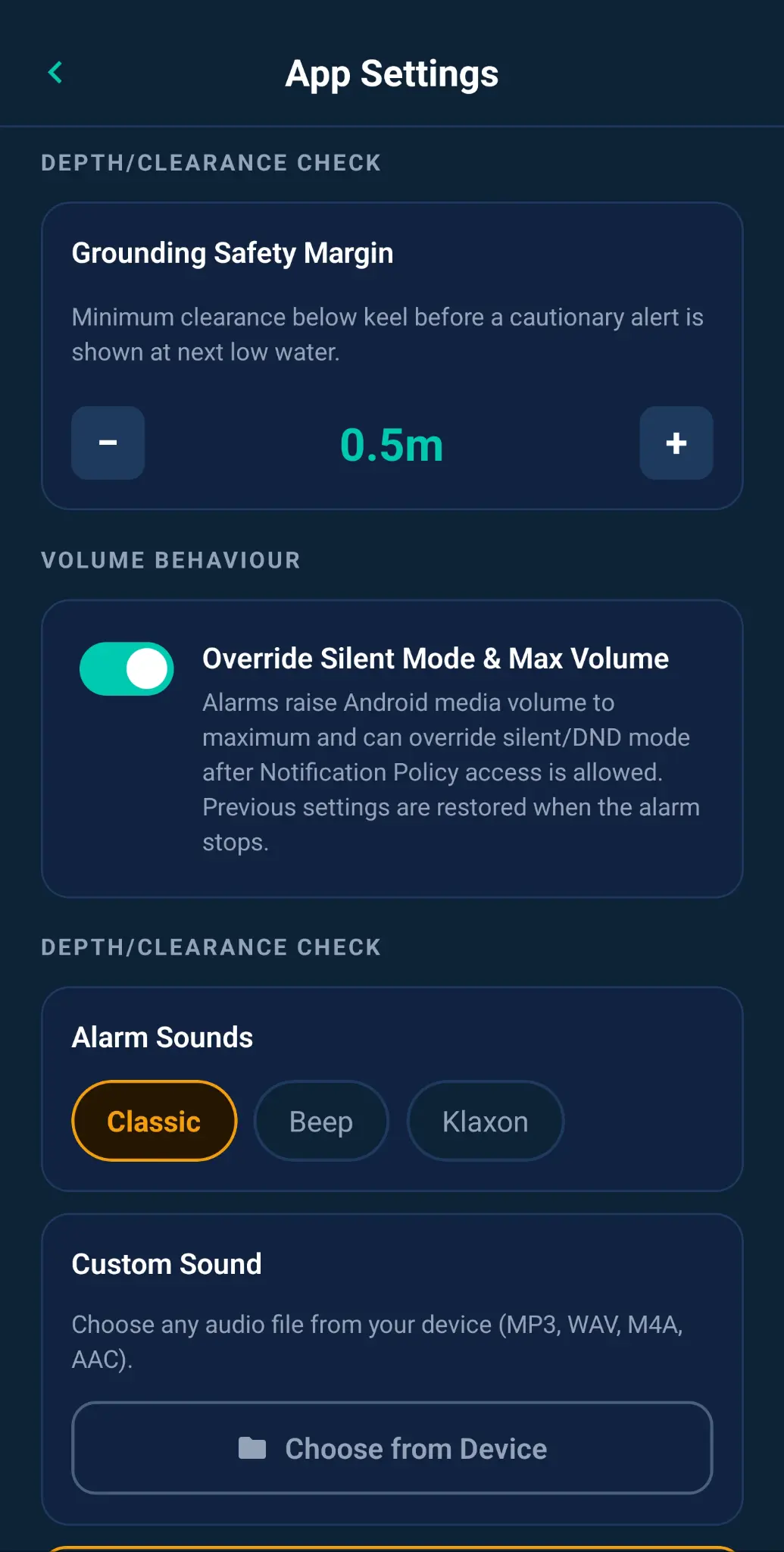
- Maximum-volume override. Make sure a critical alarm cuts through when you need it most.
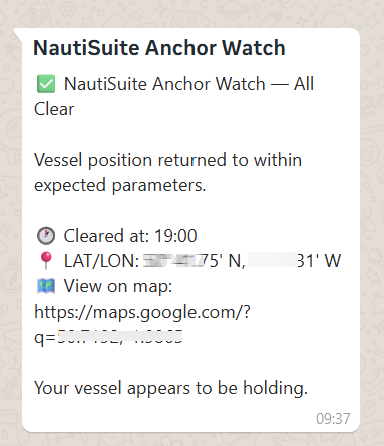
- Notifications you can count on. Stay informed on other connected devices when you are away from the boat.
“Knowing the alert reaches me on another device is a real game-changer. I’m never really out of touch with the boat.”
Stay connected to your boat
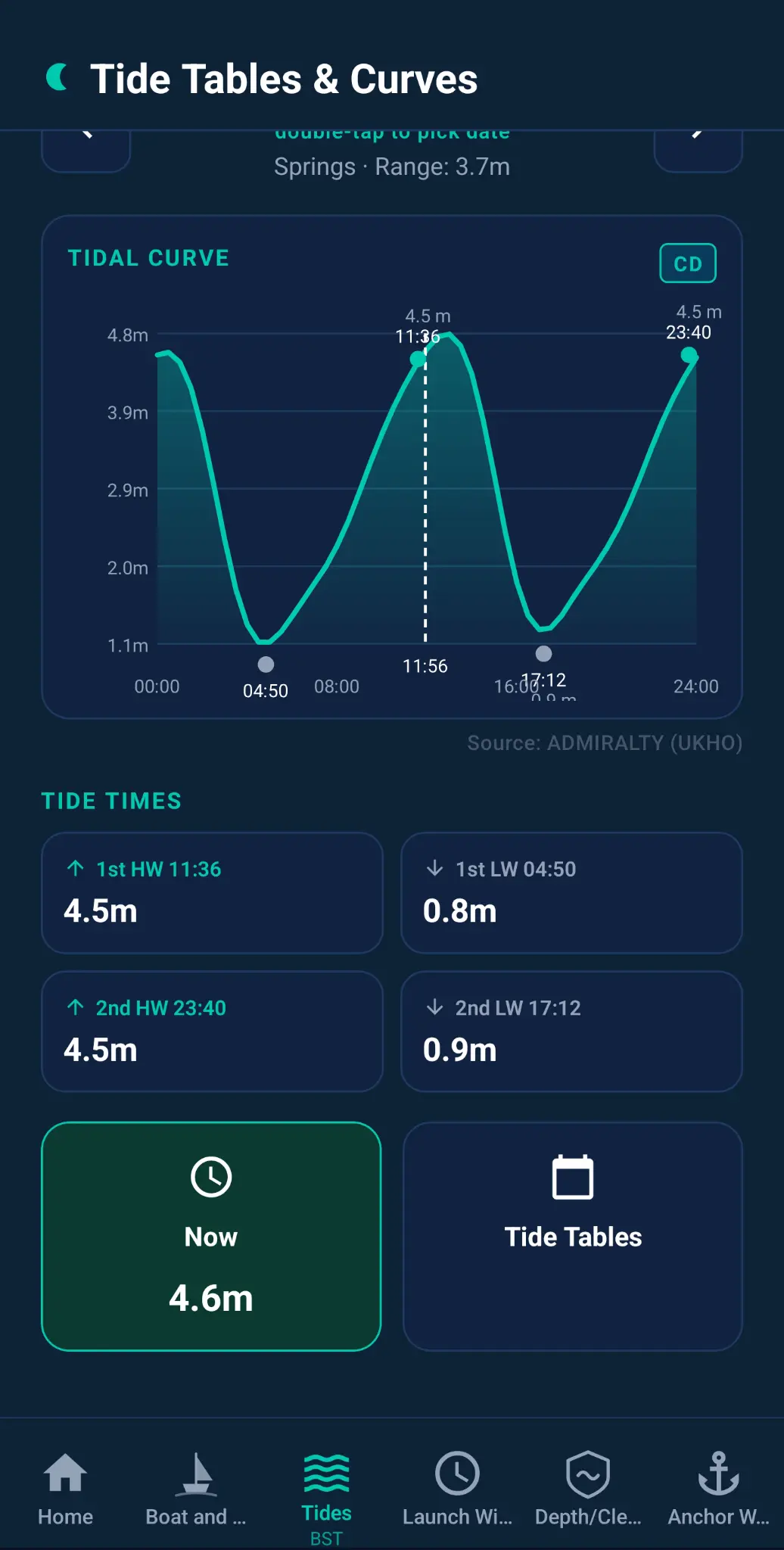
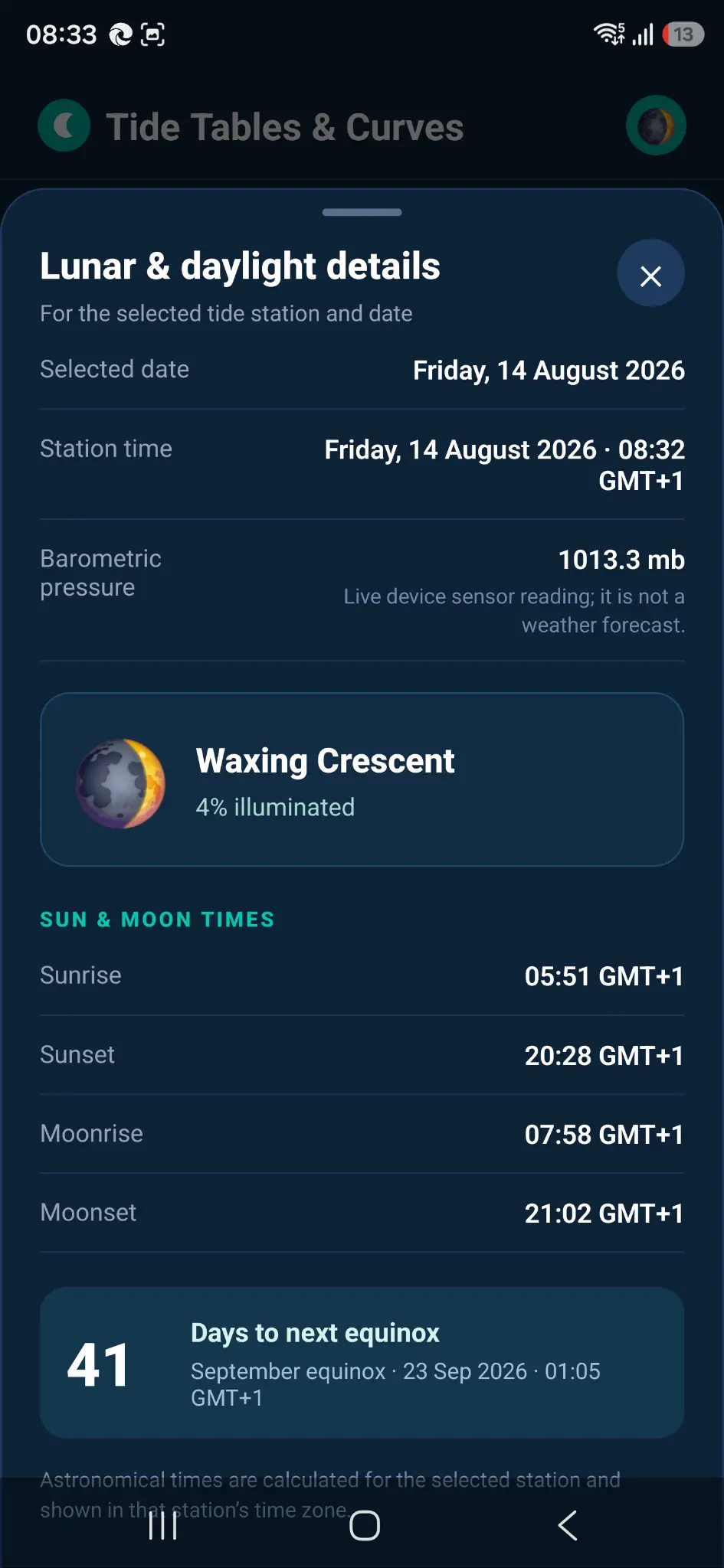
🌊 Tide Tables & Curves
Planning Around the Water
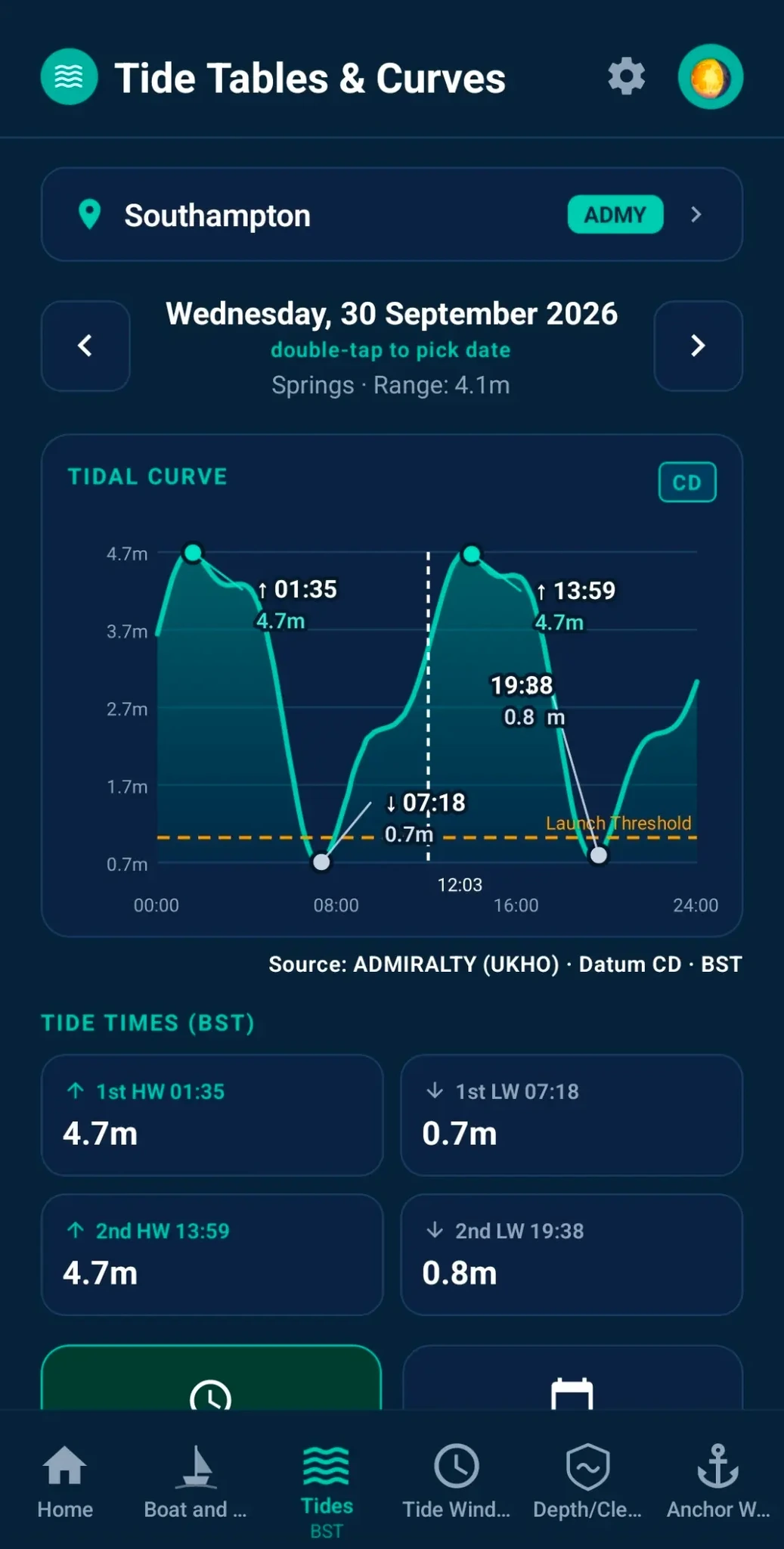
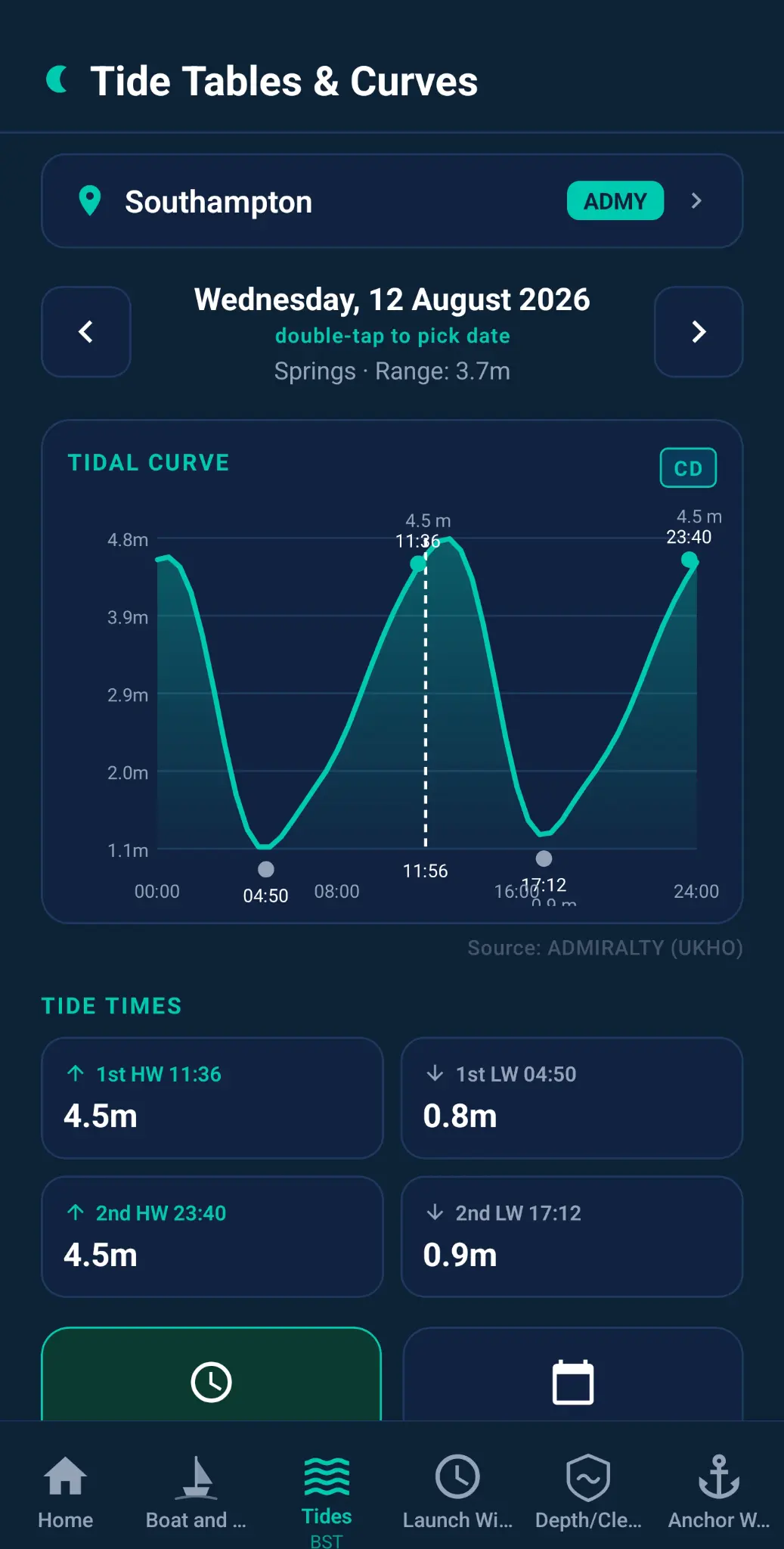
- Global tidal models. Plan with up to 12 months of tide data, wherever your next adventure takes you.
- Passage planning. You're planning a coastal passage and need to know the tidal window for crossing a shallow bar or transiting a tidal gate at the right state of tide.
- Drying harbour entry. Save your destination's tide times offline, so you always know when there's enough water to get in and out safely - wherever your adventures take you.
- Day-Trips & Passage Planning. Daylight and tide, together — so you plan your trip and get back before dark. Handy for anglers too.
- Kayaking, rowing and paddleboarding. Planning an evening on the water in a kayak, rowing boat or on a paddleboard? Know the tides before you go. Whether you're crossing a harbour mouth or paddling a tidal estuary, Tide Tables & Curves tells you exactly what the water will be doing — so you stay in control and don't end up losing a fight with a foul tide.
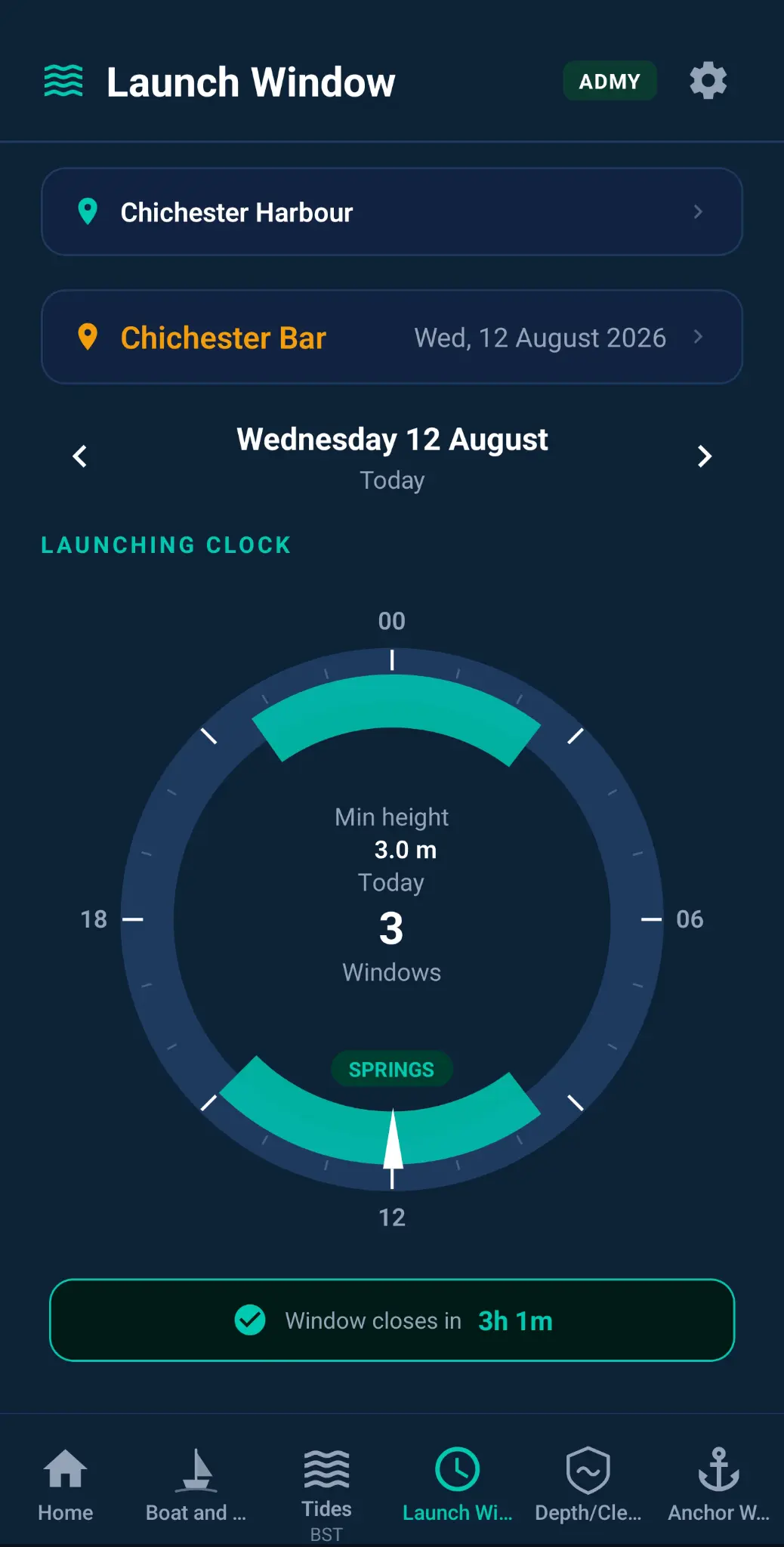
🚤 Launch Window
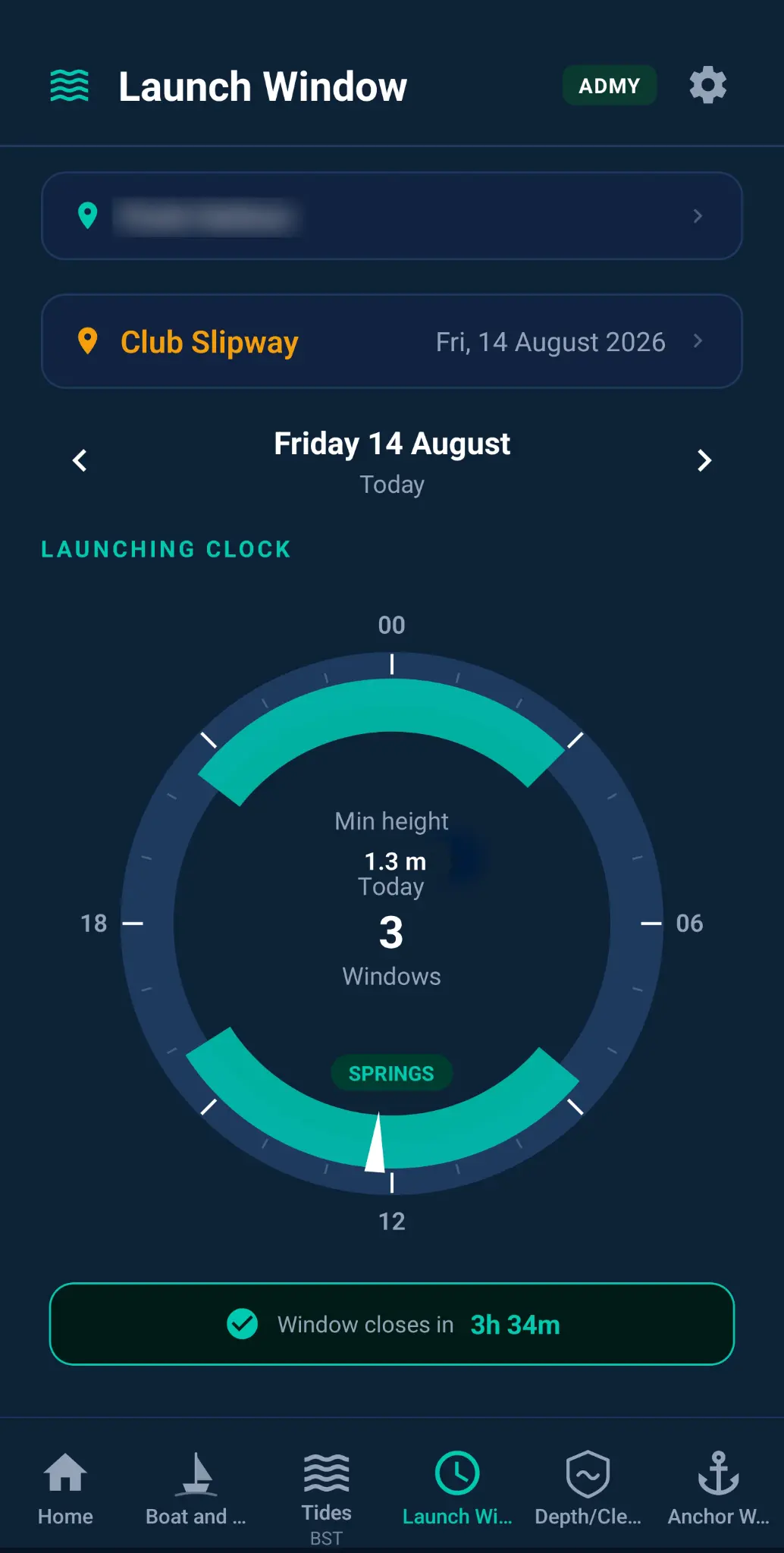
Slipway and Tidal Quayside Launching
- Trailered boat on a tidal slipway. You tow your boat to a tidal slipway and need to know the exact window when there's enough water depth to launch and recover safely, based on your vessel's draught.
- Tidal quayside access. You need to bring your tender or dinghy alongside a tidal quayside and want to know when the water level will be sufficient to do so without grounding.
- Planning a day trip around the tide. You want to launch at a specific time for a tidal gate or a bar and need to confirm the tide will be high enough — and that you'll be able to recover the boat before it drops again.
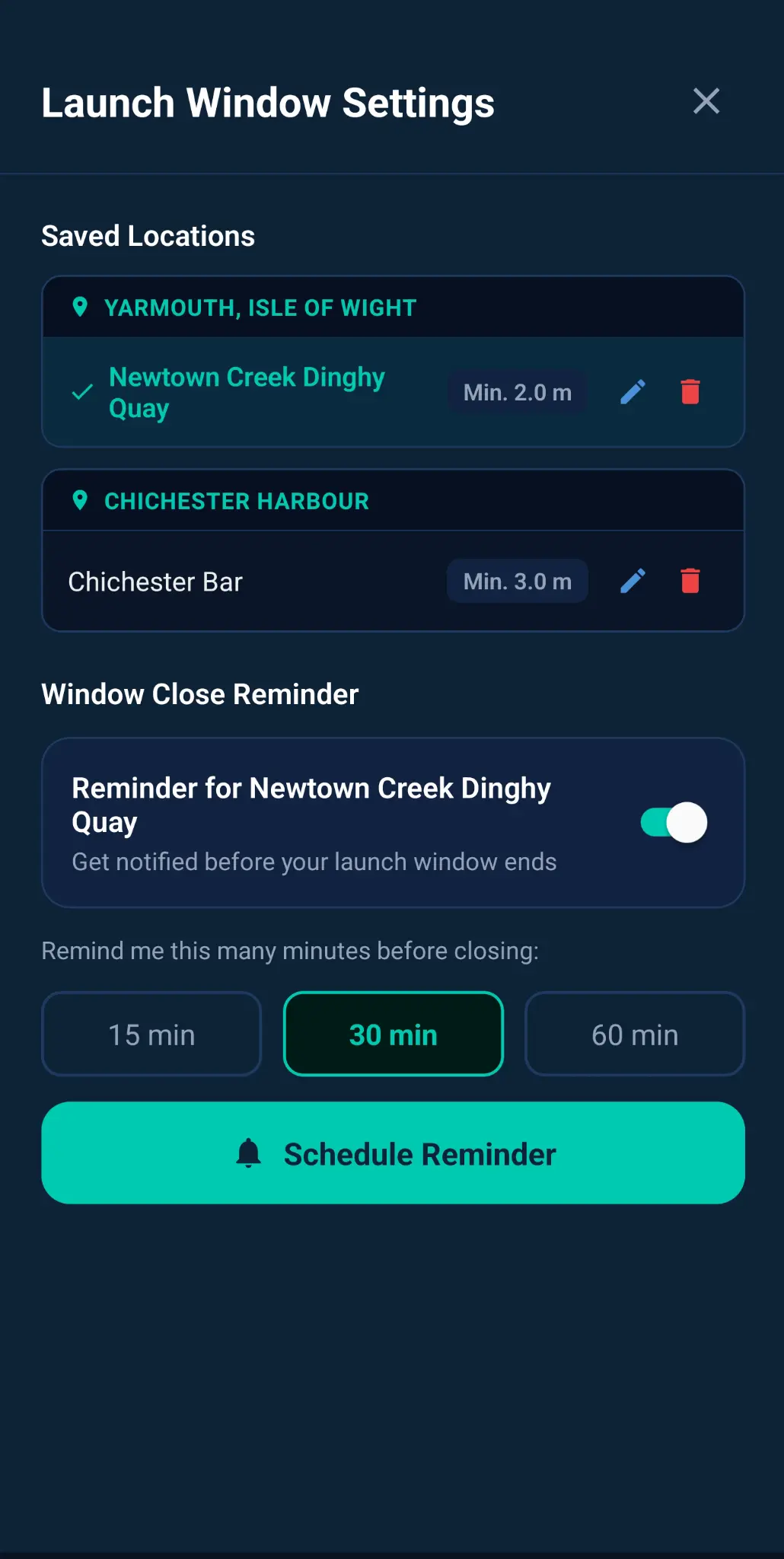
- Informative reminders. Never miss your window.
- Send to a friend. No need to explain tidal curves.
🛡 Depth/Clearance Check
Safety and Grounding Alerts
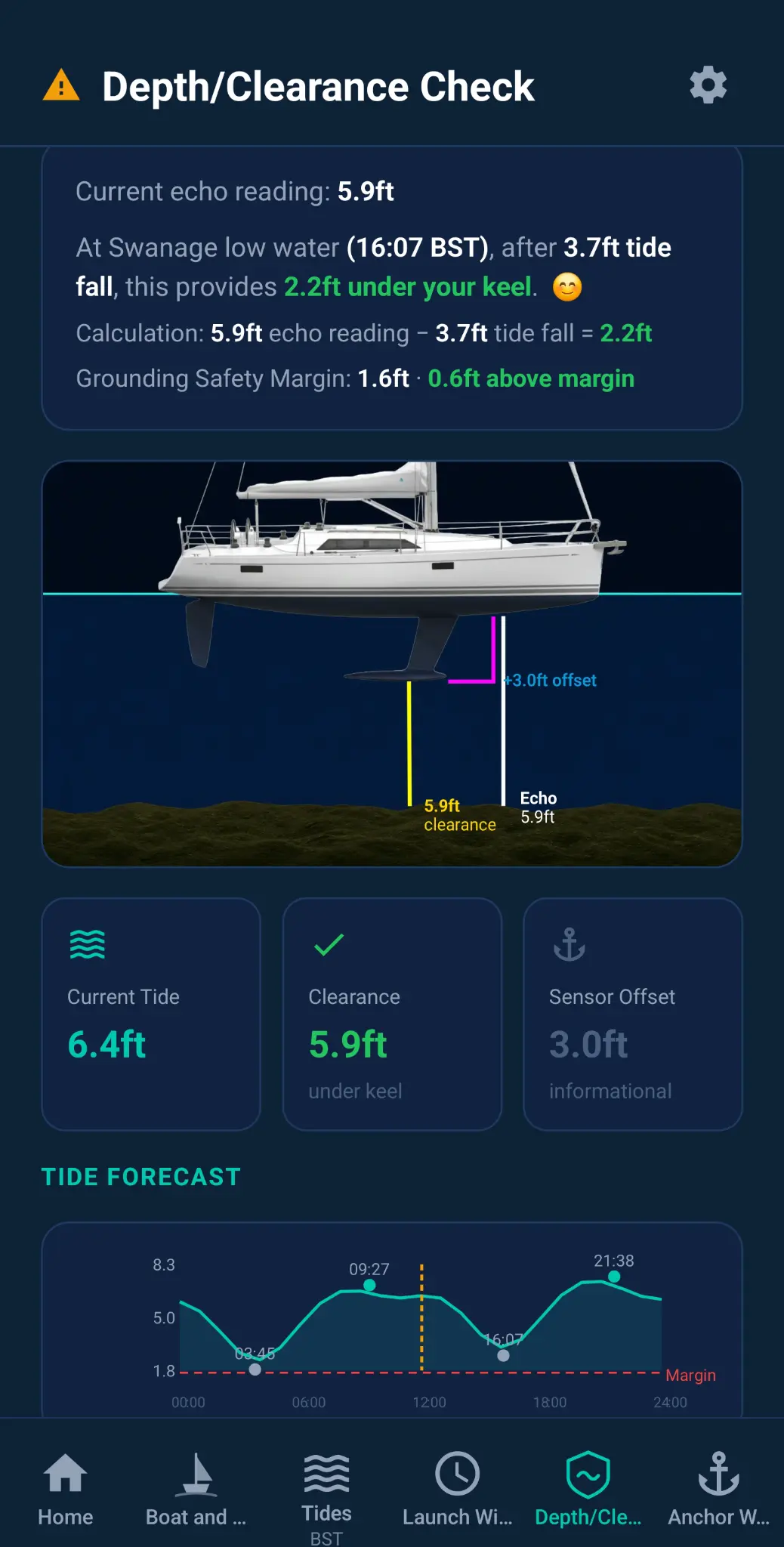
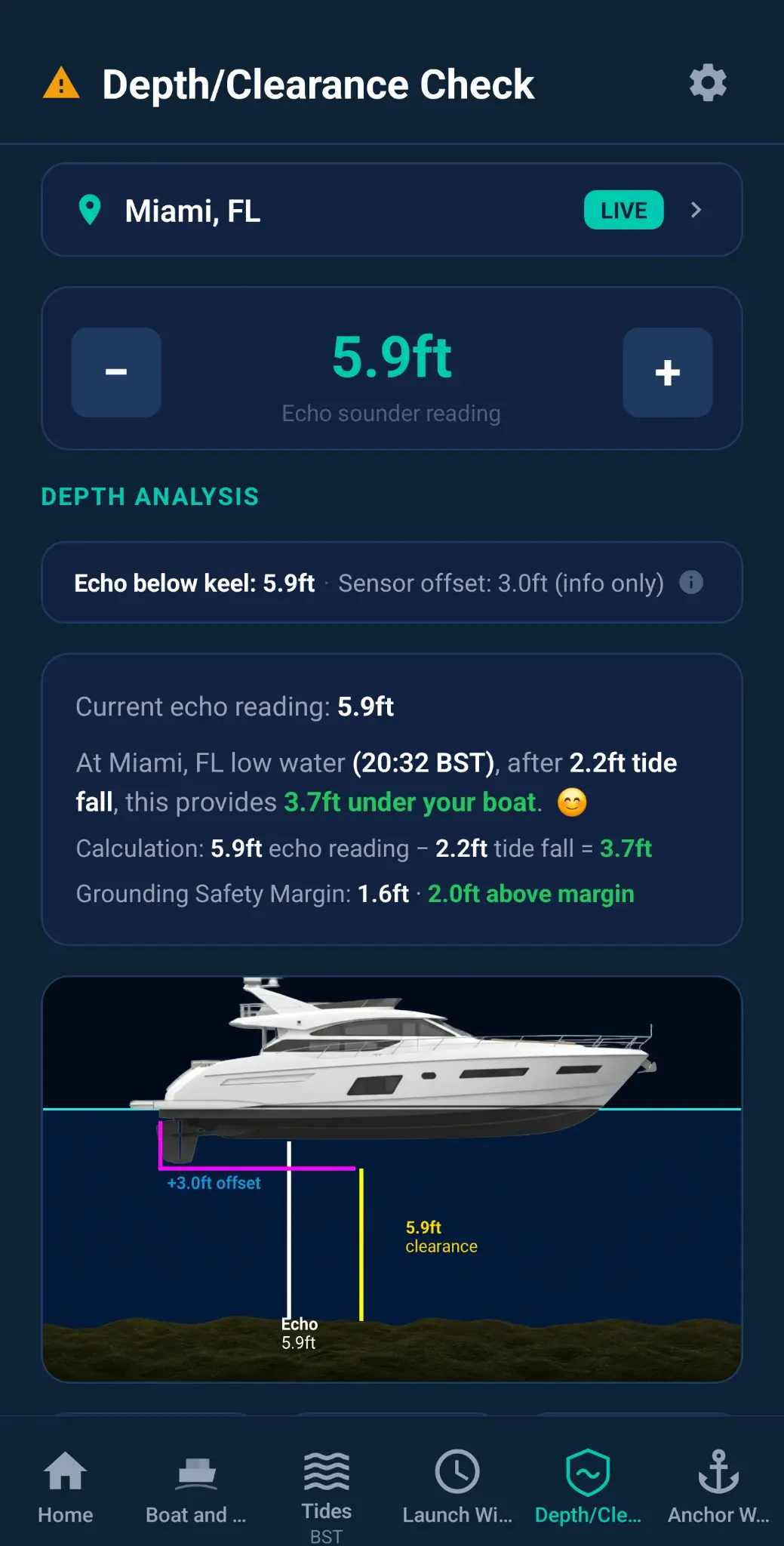
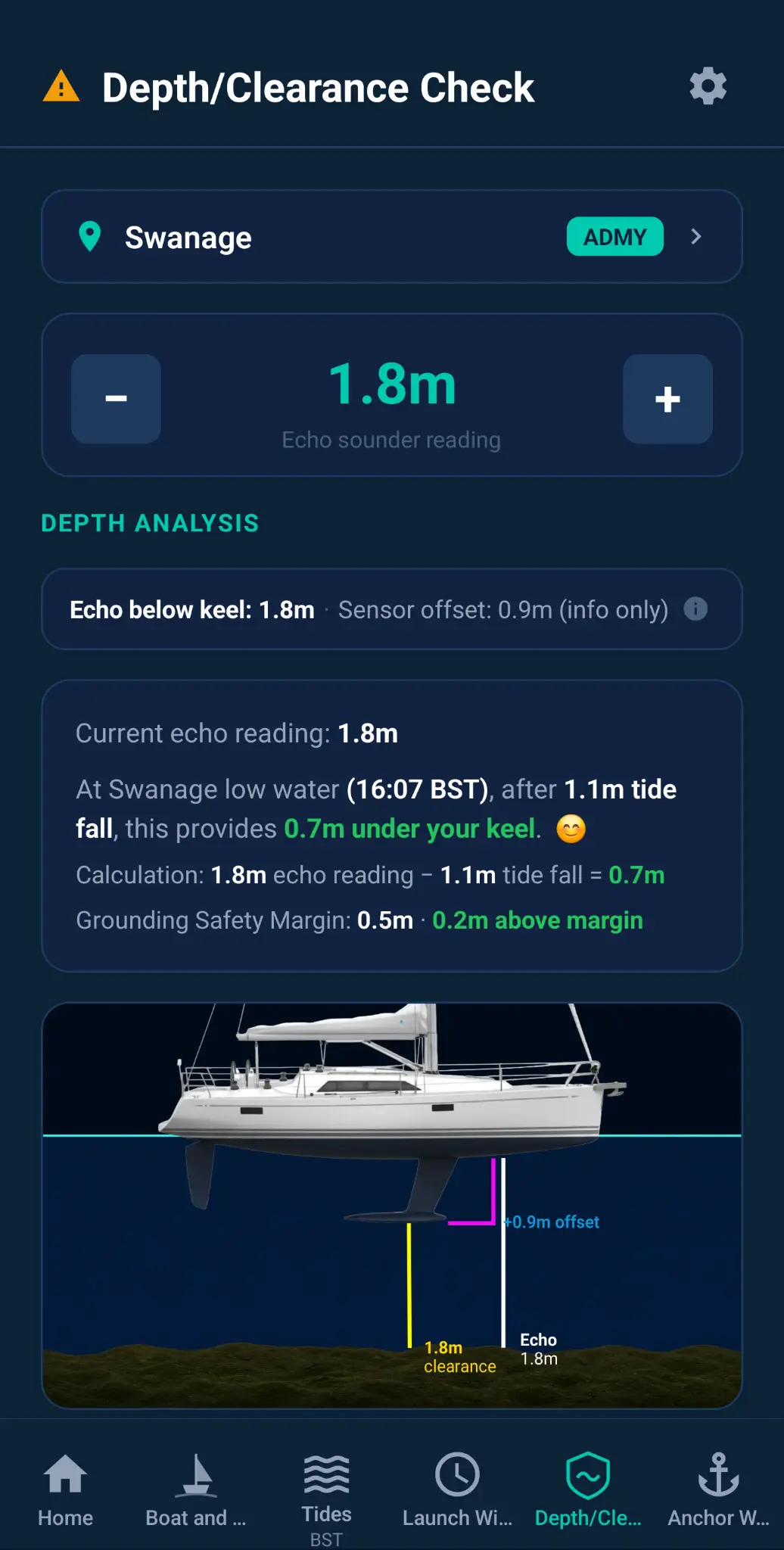
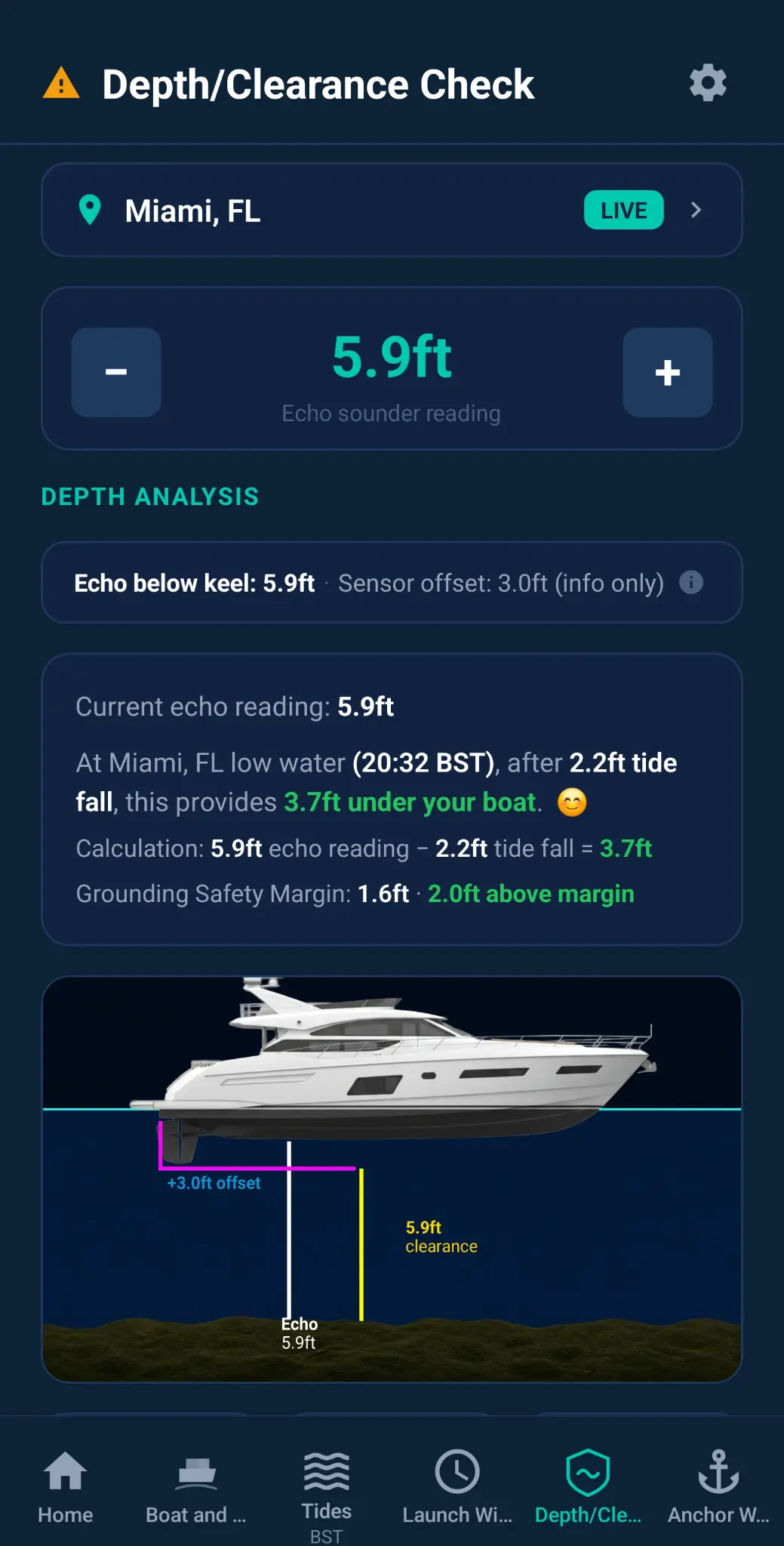
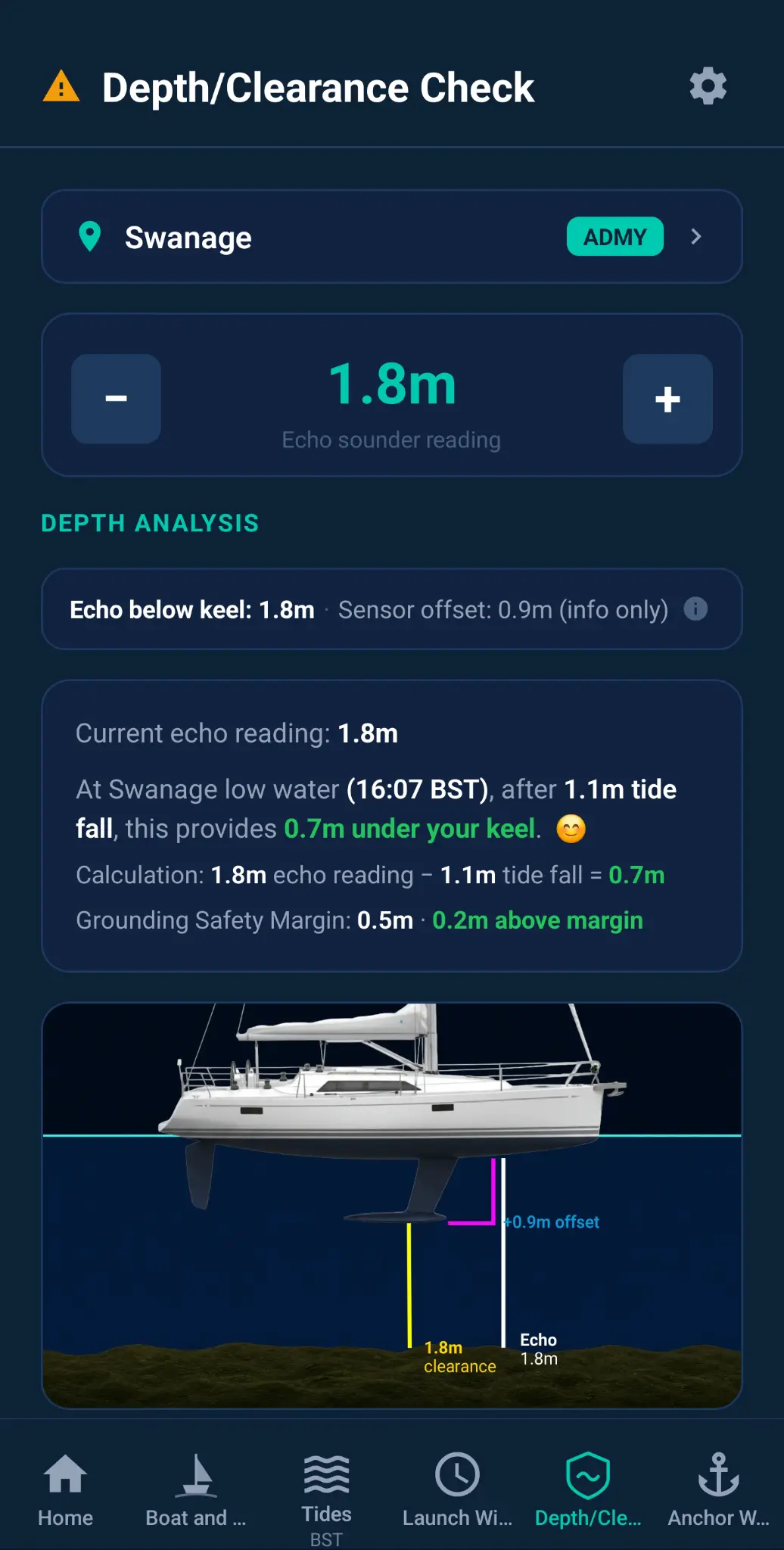
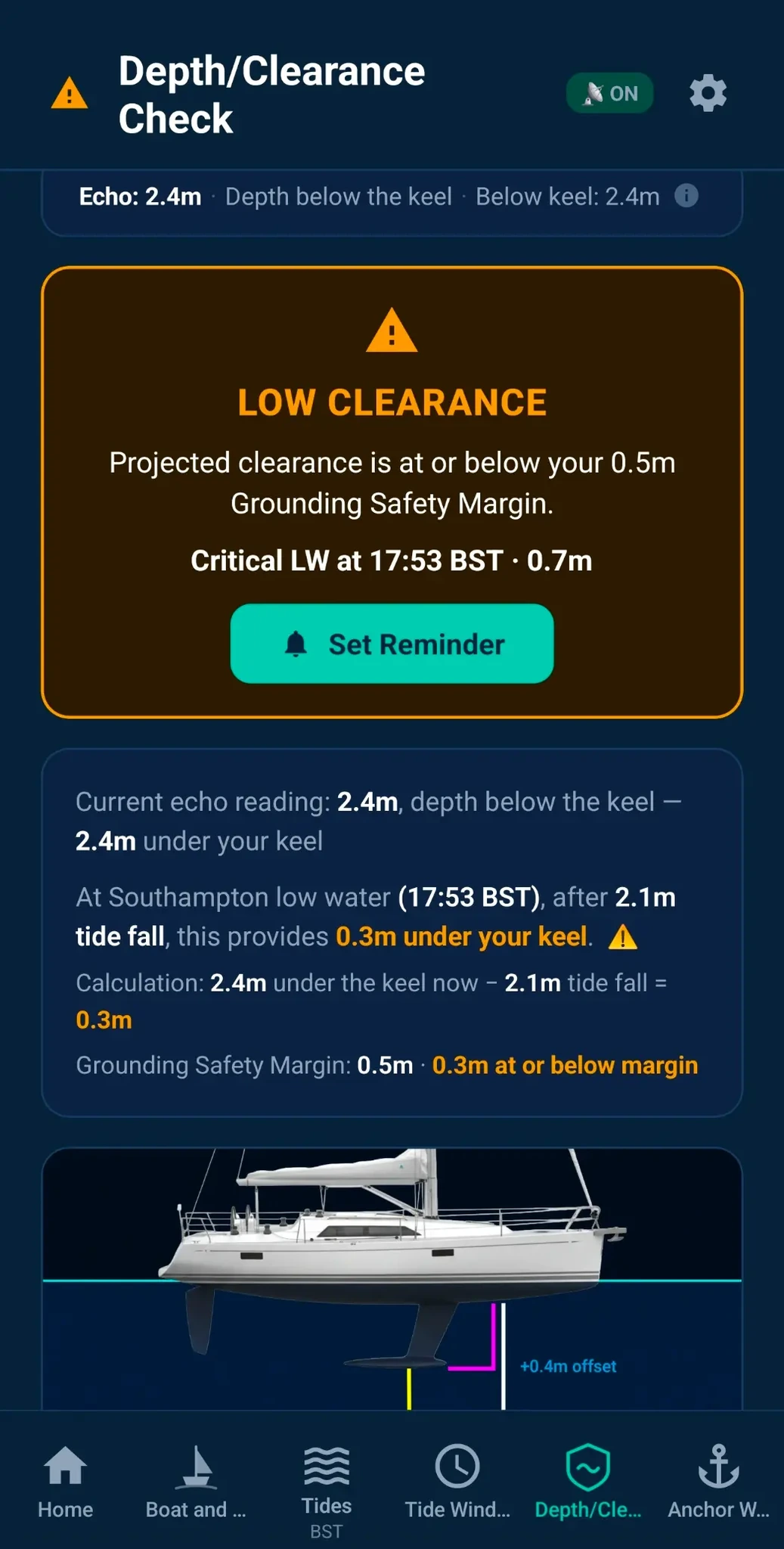
- Your echo sounder reading, turned into tide-aware clearance. Understand what the numbers mean for your boat, not just the water beneath it.
- Choose your boat and reminder options. Make the guidance work around your vessel and your routine.
- Not just “can I go now”, but “what’s my safe window”? Plan ahead with confidence.
- A confidence builder for less experienced sailors and boaters. Clear, practical insight when local knowledge is limited.
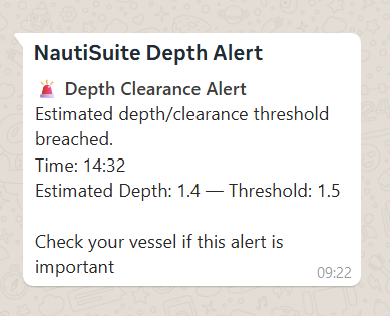
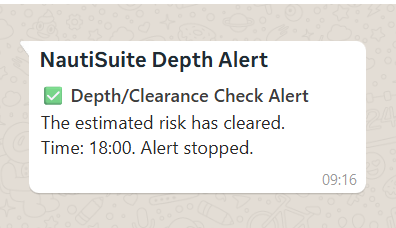
- Navigating shallow or unfamiliar waters. You're exploring a new anchorage or creek and want an alert if tide range might pose a risk of grounding. Drop anchor or pick up a mooring, enter the depth and get instant feedback.
“Working out tides and ranges after a long passage is always open to error. This gives me the answer I need instantly.”
Clarity when it matters
📚 NautiSuite Academy
Maritime Knowledge and Enrichment
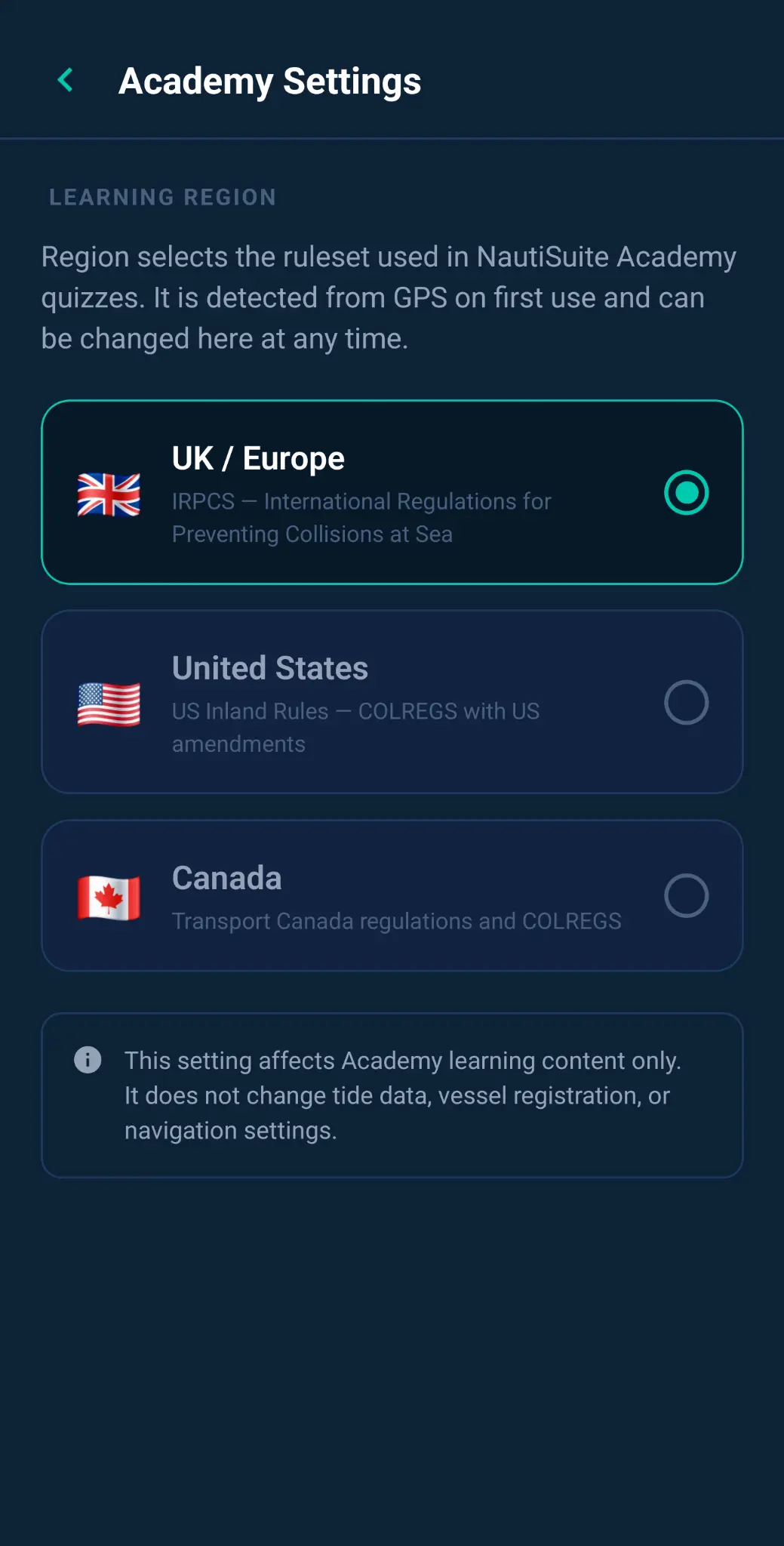
- Designed for boaters and sailors around the world. Practical learning for wherever you choose to get on the water.
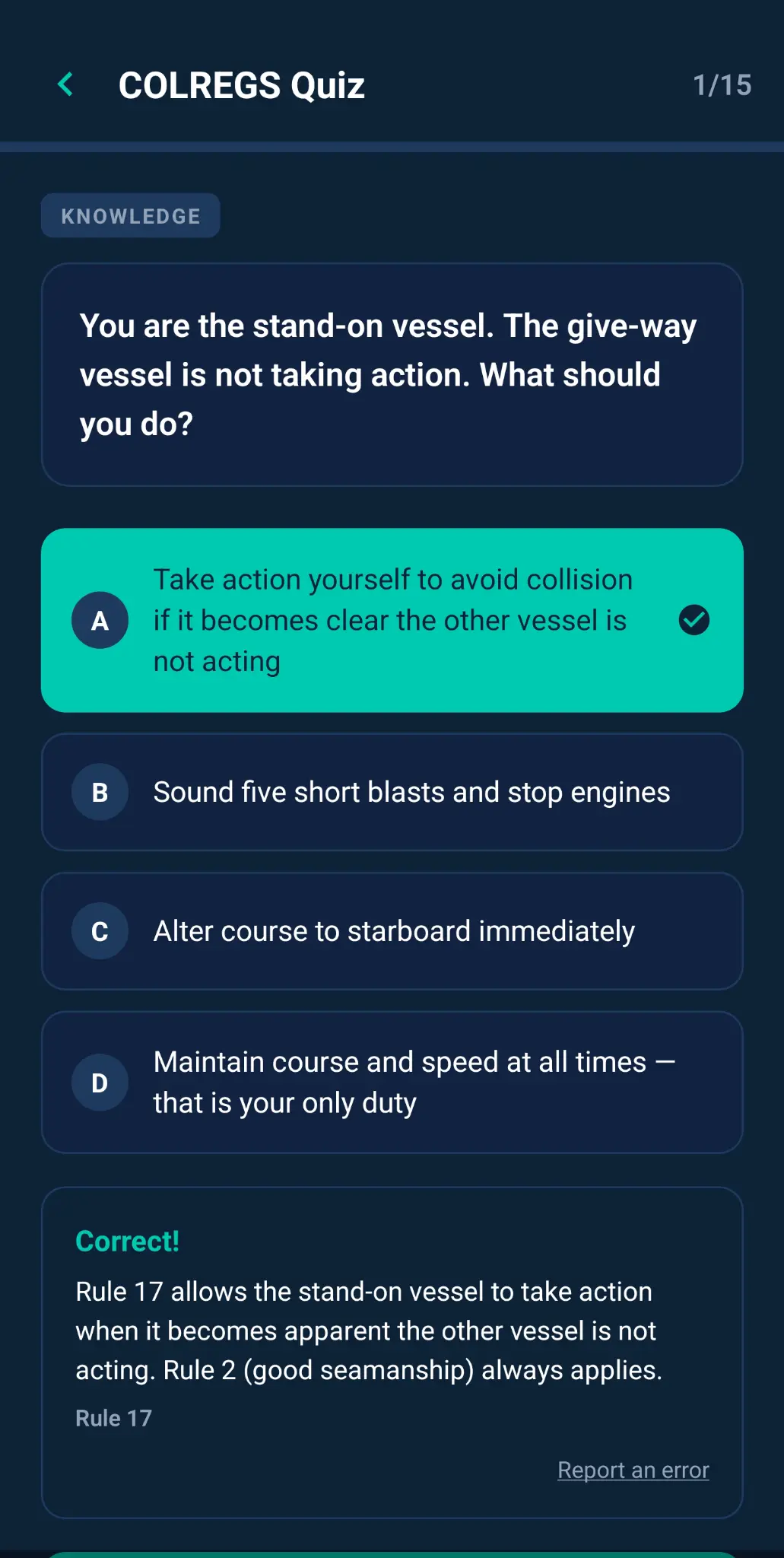
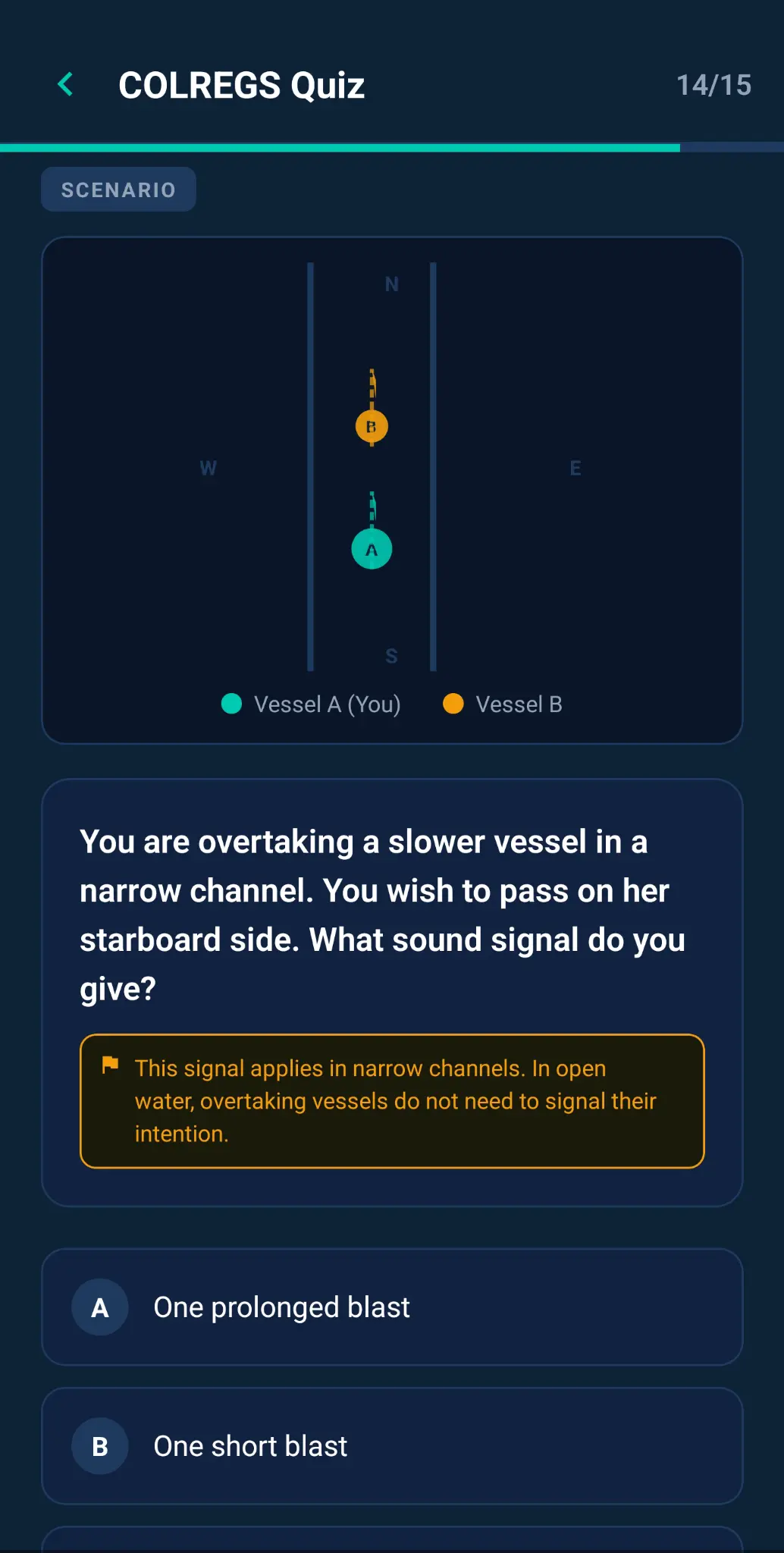
- Brushing up on the COLREGS. You're preparing for a day sail and want a quick refresher on the collision regulations — who gives way in which situation — before heading out.
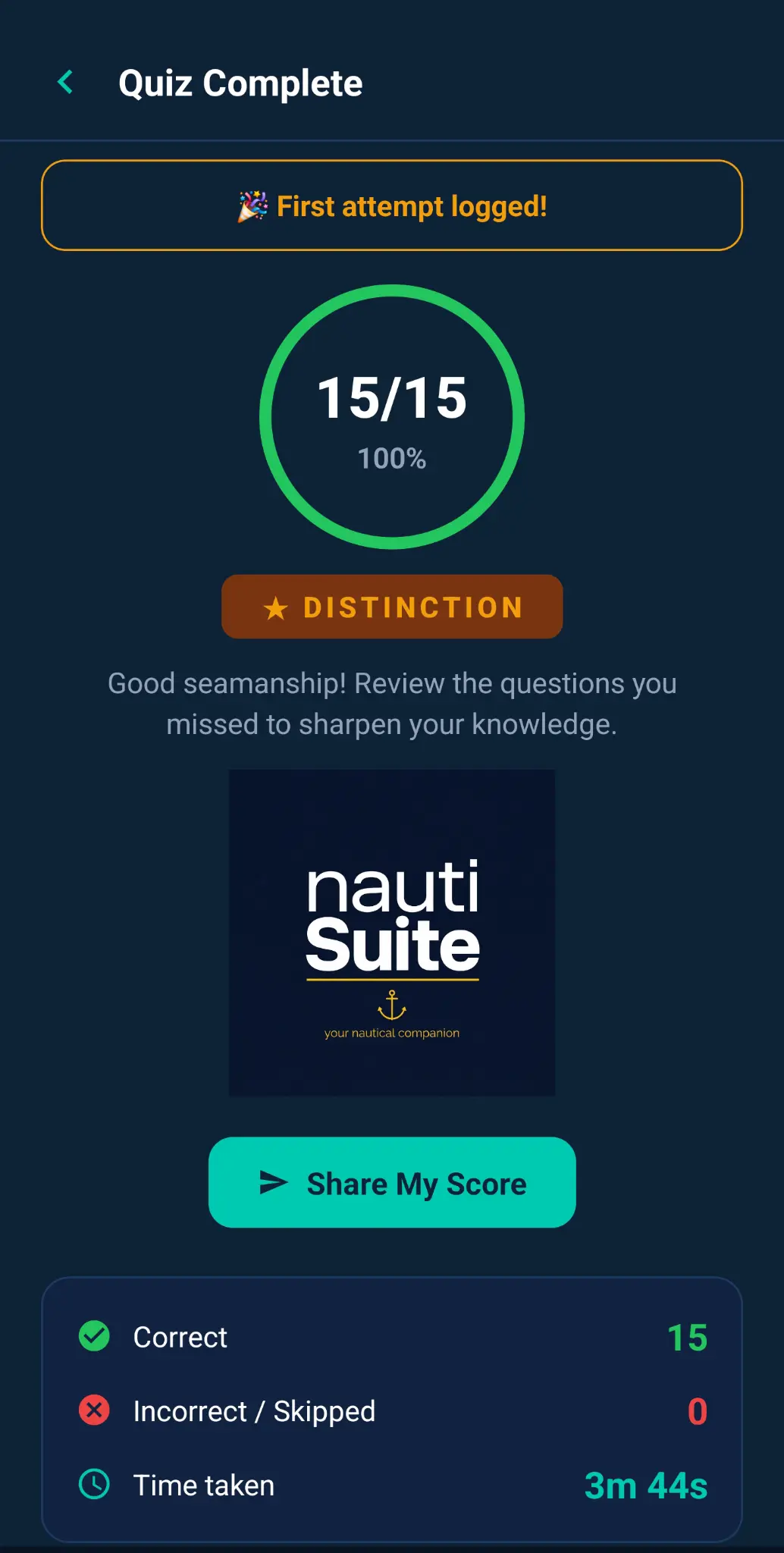
- Learning at your own pace. You're new to boating and use the bite-sized modules and quizzes to build your maritime knowledge gradually, tracking your progress and trying to beat your previous scores.
- Keeping skills sharp over winter. Your boat is laid up for the season and you use NautiSuite Academy to stay engaged with seamanship topics so you're ready when the season starts again.
- Sharing knowledge with crew. You challenge your crew to complete a quiz before a passage, making maritime awareness engaging and competitive.
- Preparing for a recognised qualification. You're planning to take an RYA or similar course and want to arrive with the theory already second nature. NautiSuite Academy builds instinctive responses, maximising your chances of success and value for money.
“NautiSuite Academy has skyrocketed my awareness—and it’s great fun.”
Learn. Test yourself. Enjoy the journey.
📋 Boat Log
Your Complete On-Board Record
- Cross-device log-book synchronisation. Events are recorded across your connected devices as they happen, whether or not the app is open on the other device.
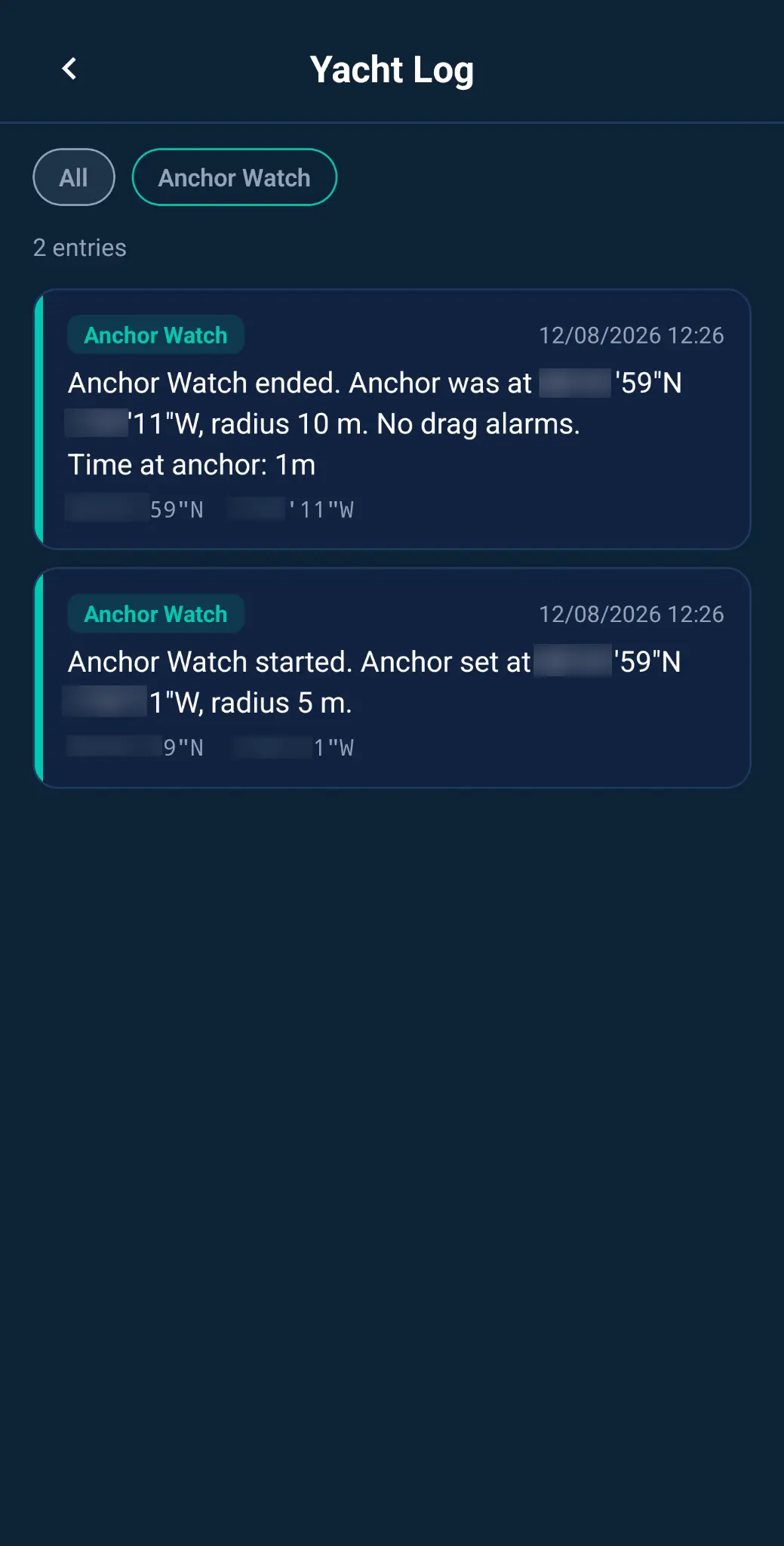
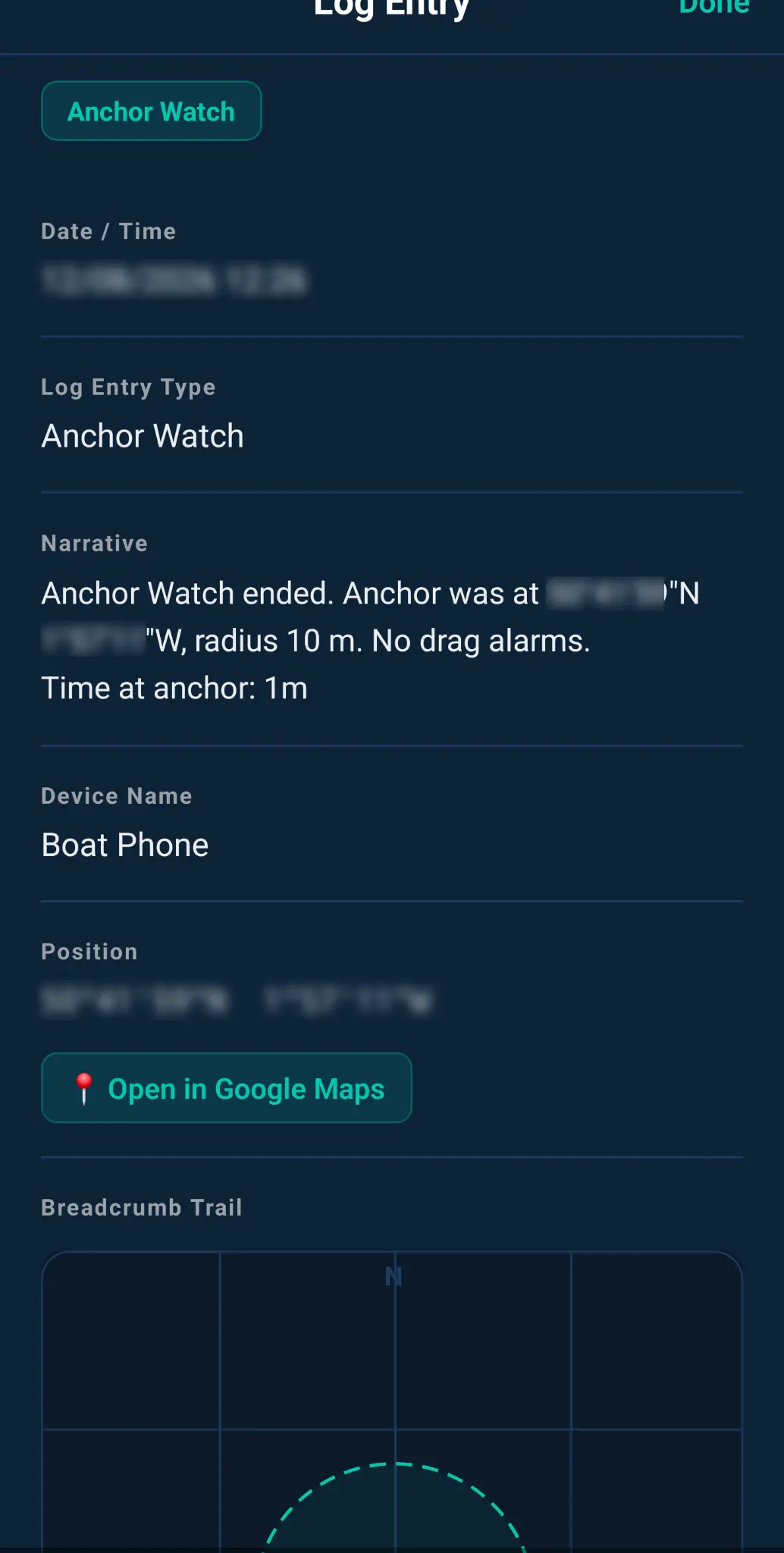
- Automatic event logging. Boat Log automatically records every Anchor Watch session and Depth/Clearance Check event — start time, end time, position, and outcome — so you always have a full record without lifting a finger.
- Anchor Watch history. Review every anchor session: where you anchored, how long you were there, your drag radius, and whether any alarms were triggered. Invaluable for identifying problem anchorages.
- Filter by module. Quickly filter your log by event type — view only Anchor Watch events, or all events together — to find exactly what you're looking for.
Get it on iPhone & Android
Free to start · No account required · Upgrade anytime